┌─────────────────────────────────────────────────────────┐
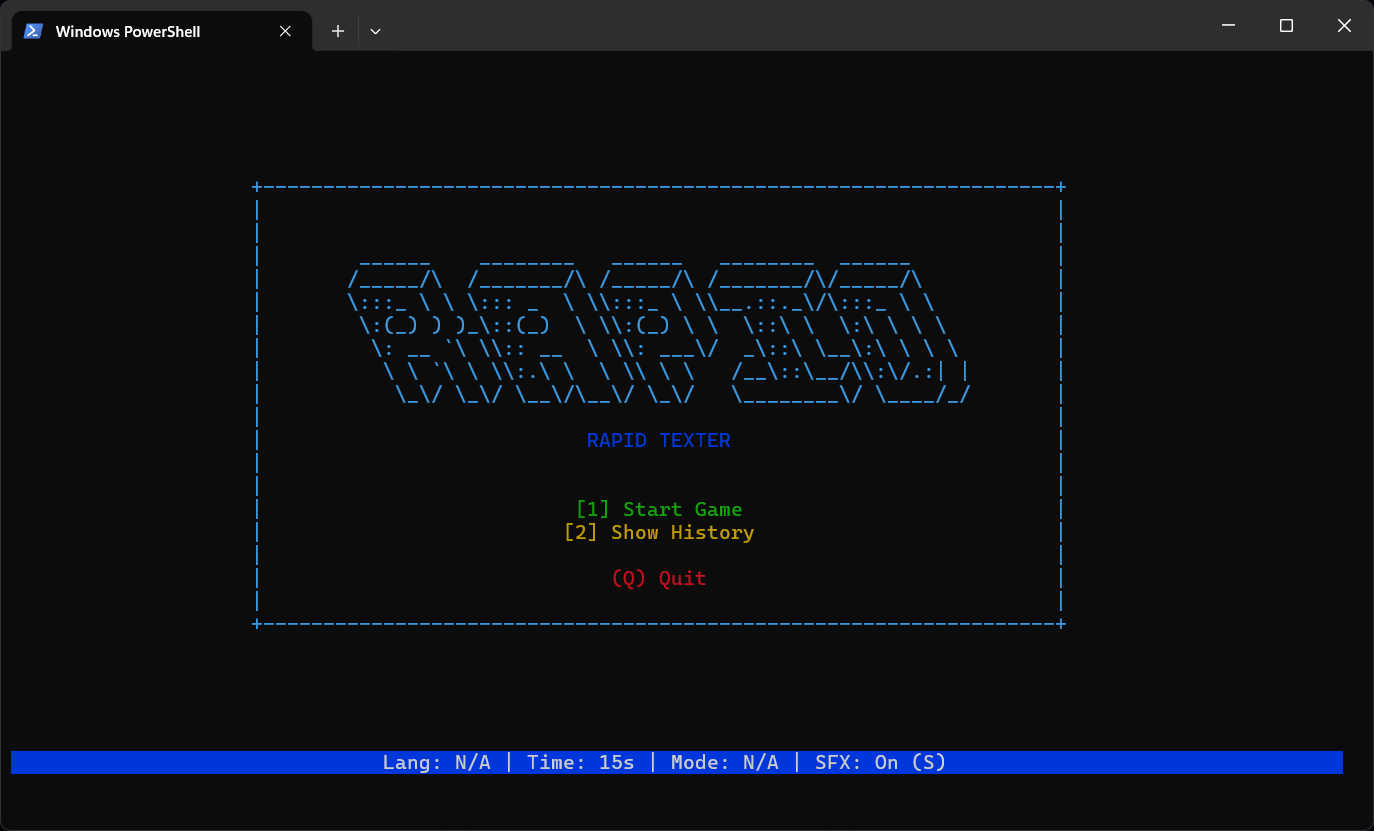
│   ______    ________   ______   ________  ______        │
│  /_____/\  /_______/\ /_____/\ /_______/\/_____/\       │
│  \:::_ \ \ \::: _  \ \\:::_ \ \\__.::._\/\:::_ \ \      │
│   \:(_) ) )_\::(_)  \ \\:(_) \ \  \::\ \  \:\ \ \ \     │
│    \: __ `\ \\:: __  \ \\: ___\/  _\::\ \__\:\ \ \ \    │
│     \ \ `\ \ \\:.\ \  \ \\ \ \   /__\::\__/\\:\/.:| |   │
│      \_\/ \_\/ \__\/\__\/ \_\/   \________\/ \____/_/   │
│                                                         │
└─────────────────────────────────────────────────────────┘
                

TERMINAL TYPING TRAINER

Test your finger speed and mental accuracy directly from the <terminal/>.

C++ 17 TUI / CLI Windows Linux MIT License
:: EXPLORE_NOW ::

KEY_FEATURES

Complete feature set in a lightweight and fast package.

[1] Native TUI Interface
[2] Multi-Language (ID/EN)
[3] Programmer Mode
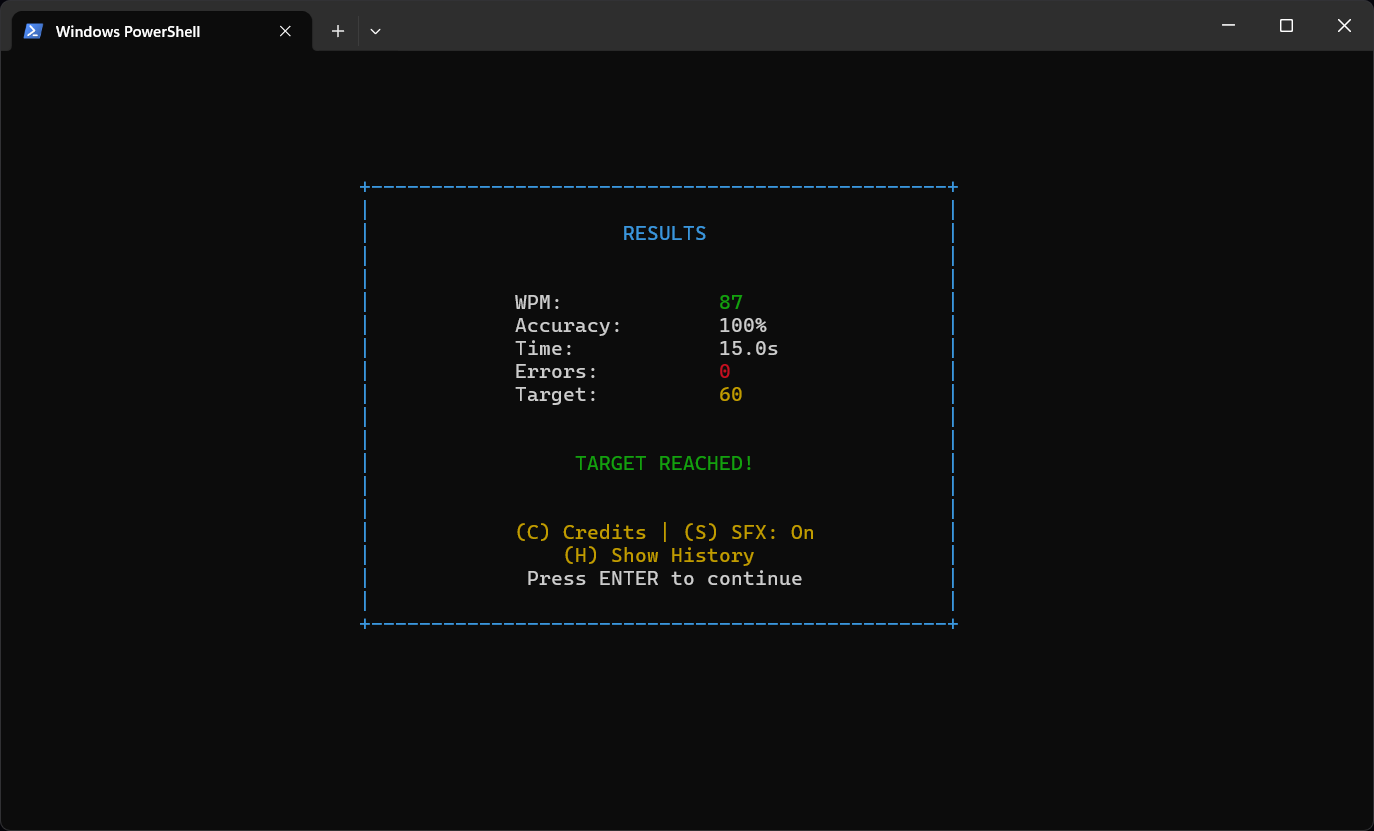
[4] Detailed Statistics
[5] Colorful ANSI Output
[6] Retro Sound Effects
[7] Keyboard Driven
[08] Ultra Lightweight
TIME_MODES
4
LEVELS
2
LANGUAGES
100%
OPEN_SOURCE

INSTALL_PACKAGE

Choose the installation package suitable for your operating system.

WINDOWS

Portable & Installer (64-bit)

LINUX (AppImage)

Universal Linux Package

Check GitHub Releases for other versions.

HOW_TO_RUN

[1]

MAIN MENU

Use Arrow keys (Up/Down) to navigate:

  • Start Game -> Start a new session
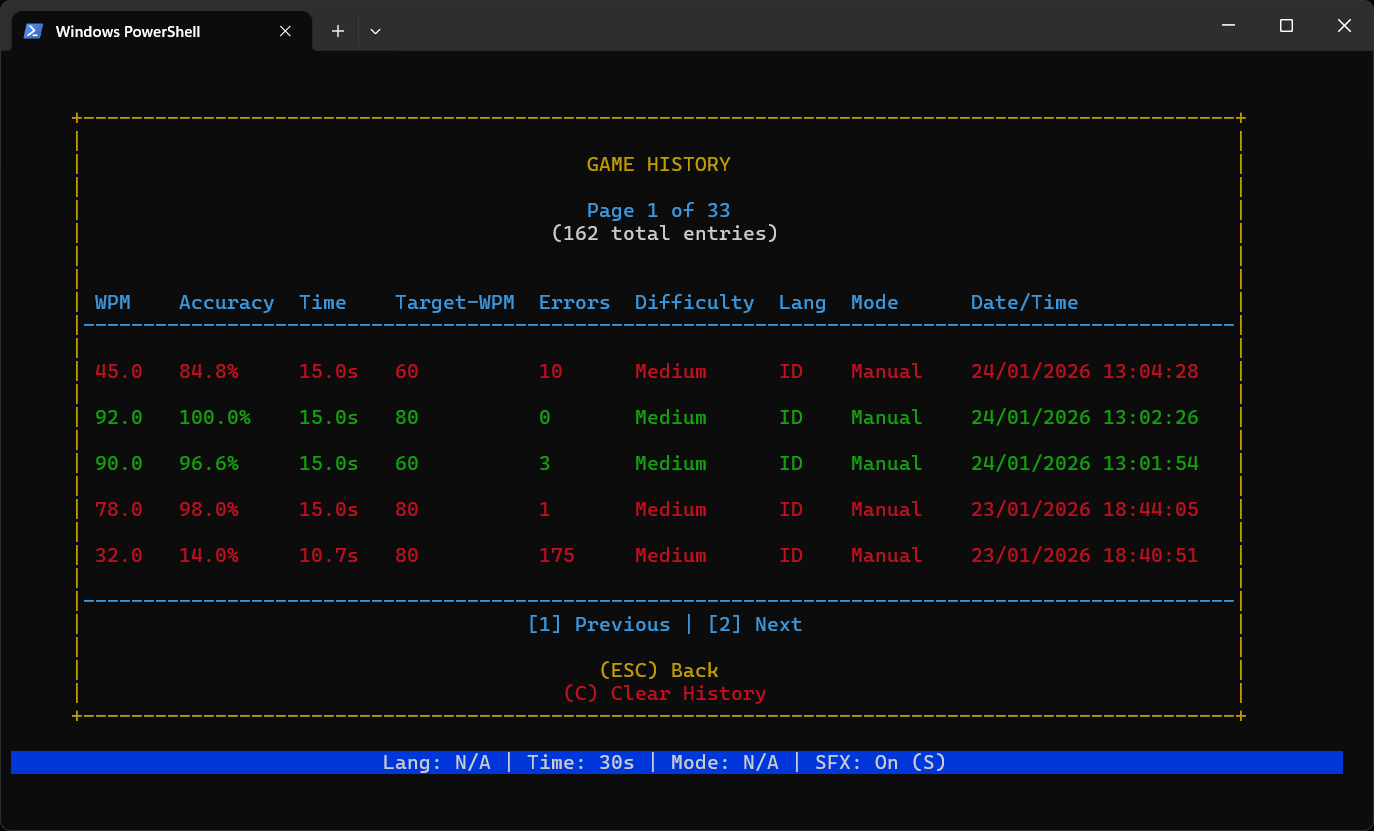
  • Show History -> View progress
  • Exit -> Quit application
[2]

CONFIGURATION

Configure your practice session before starting:

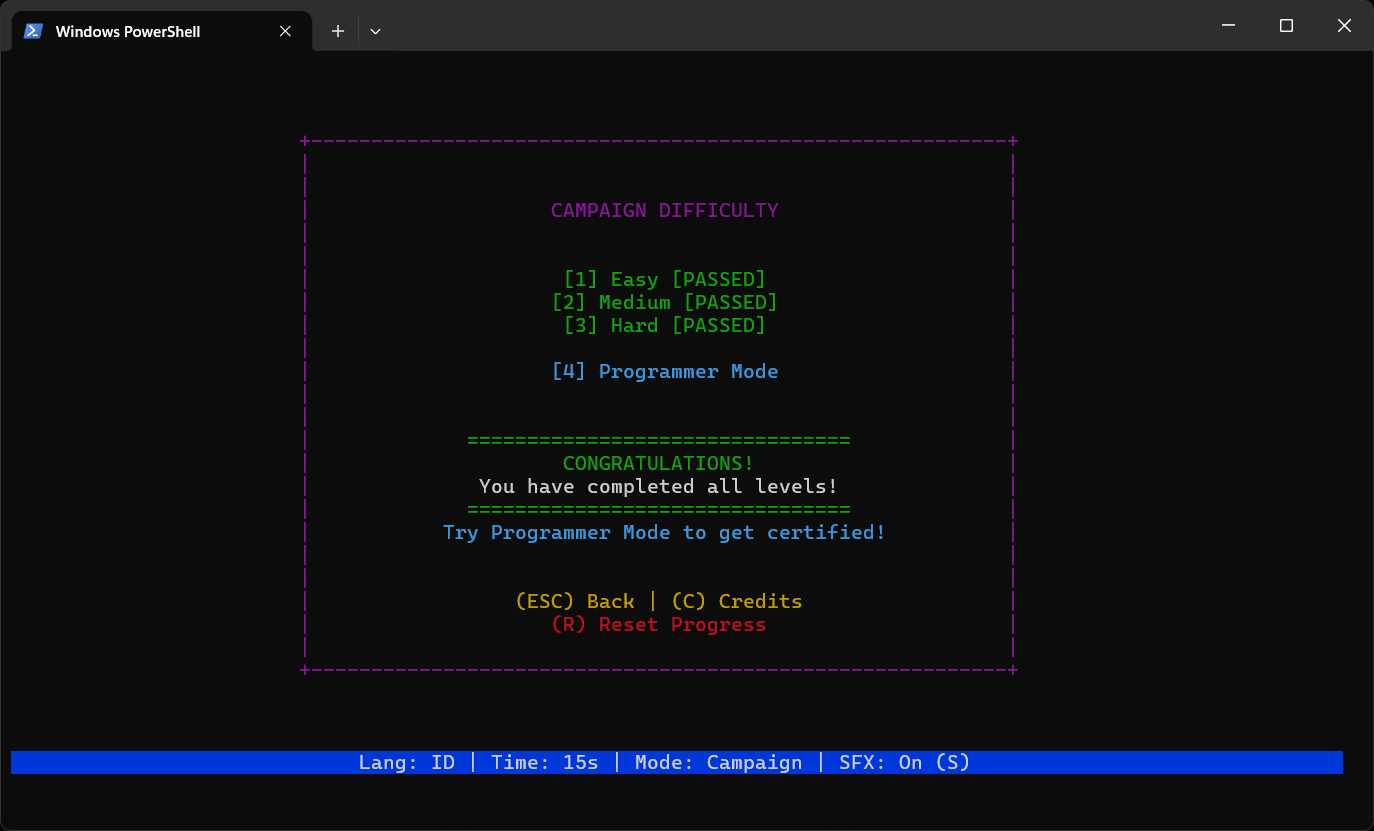
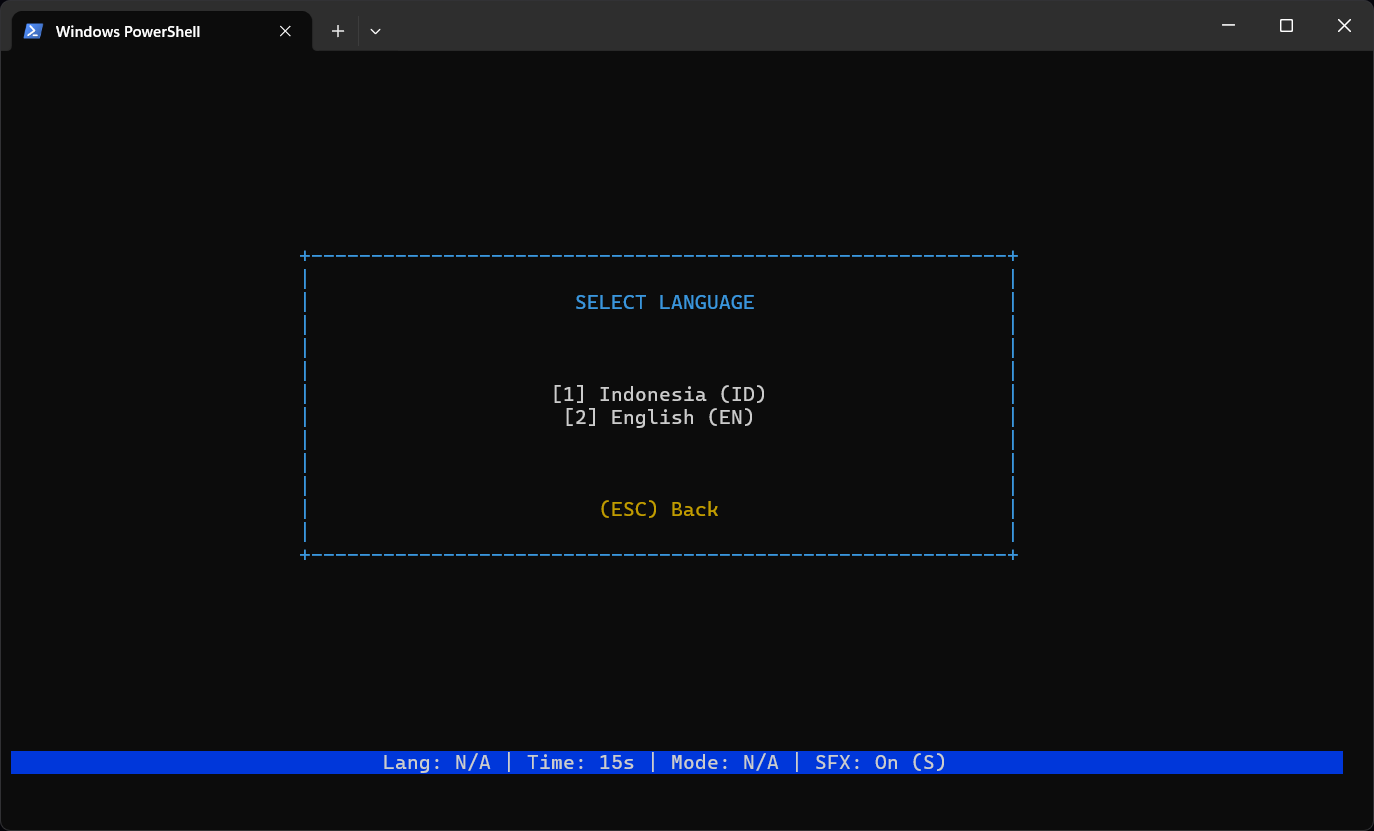
  • Set Language: ID / EN
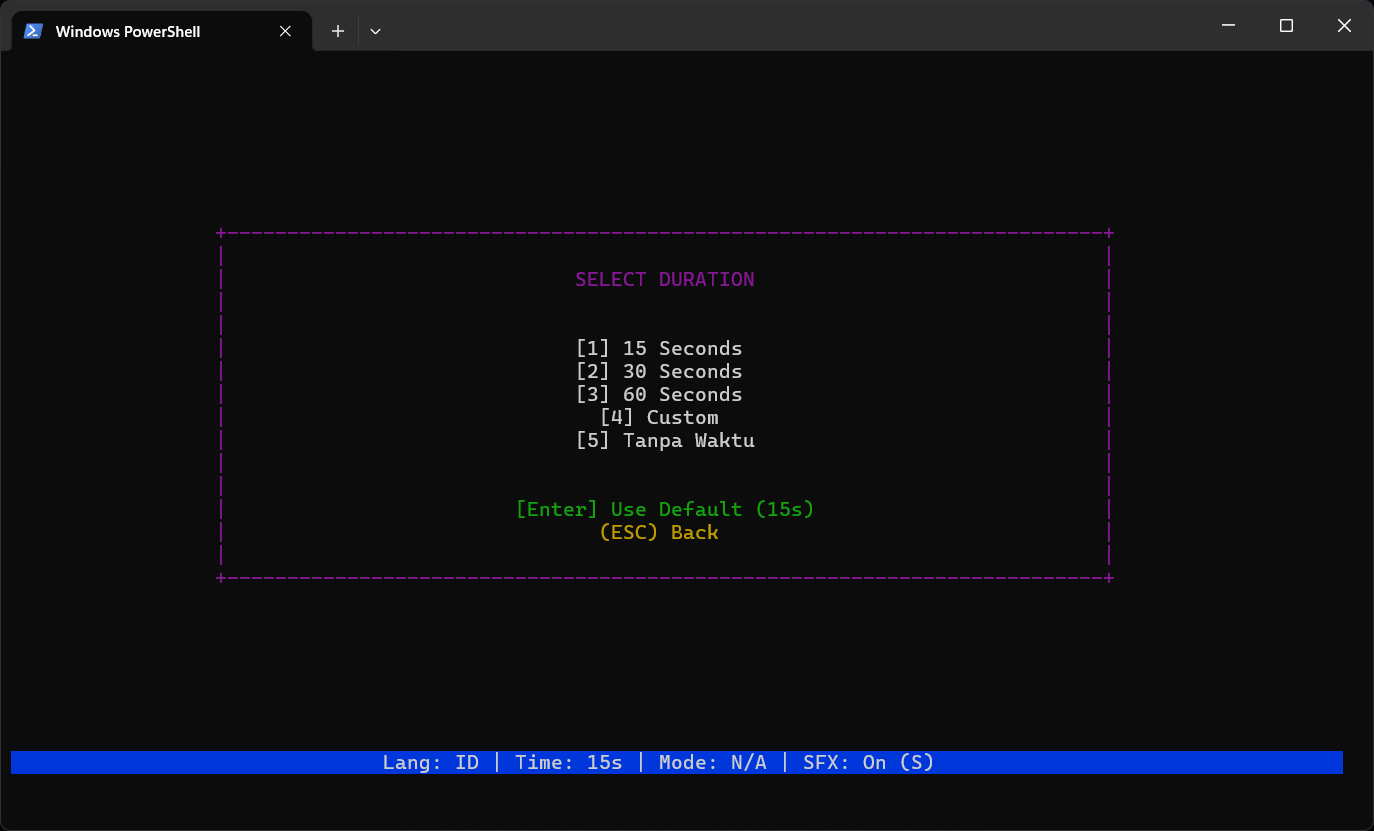
  • Set Time: 15s / 30s / 60s / Inf
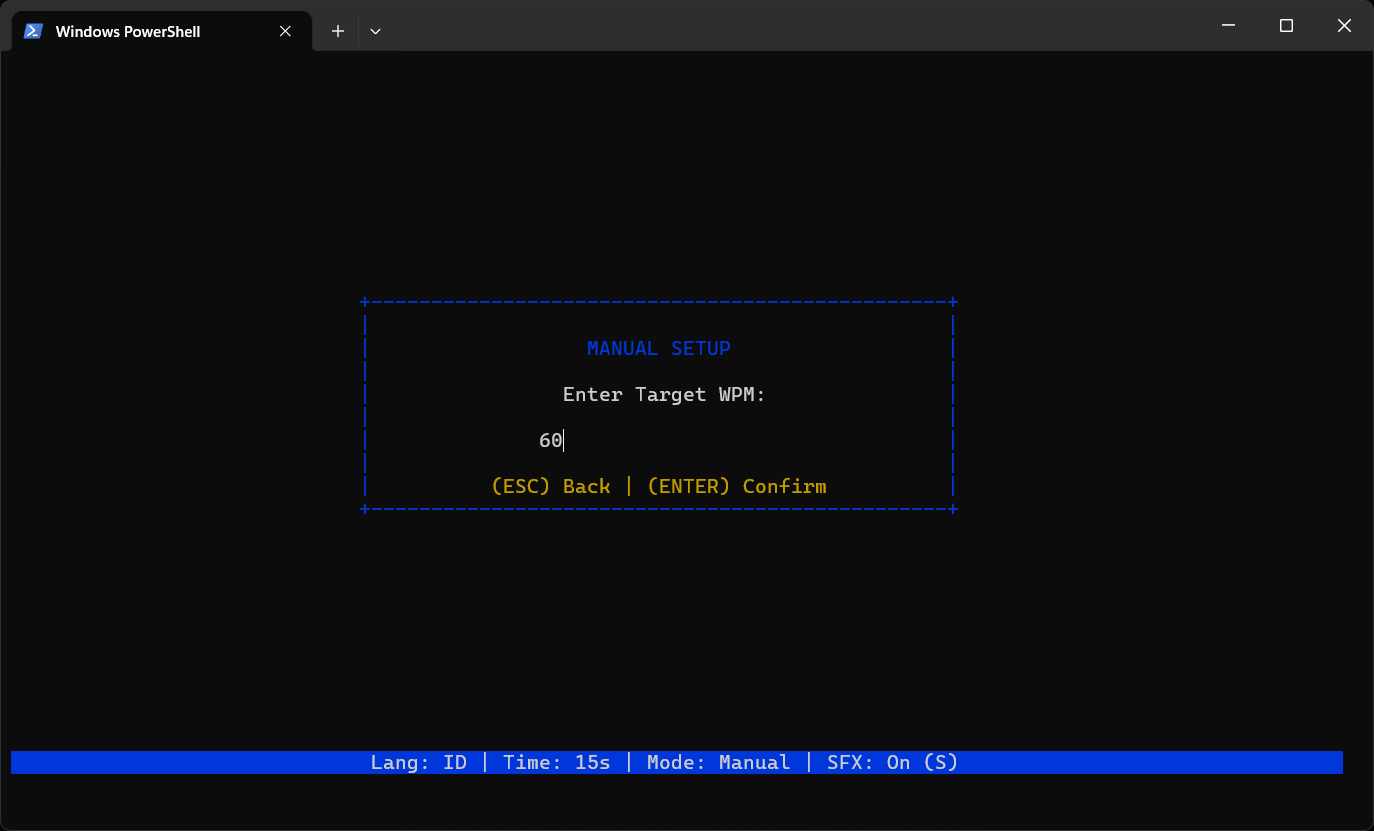
  • Set Mode: Manual / Campaign
[3]

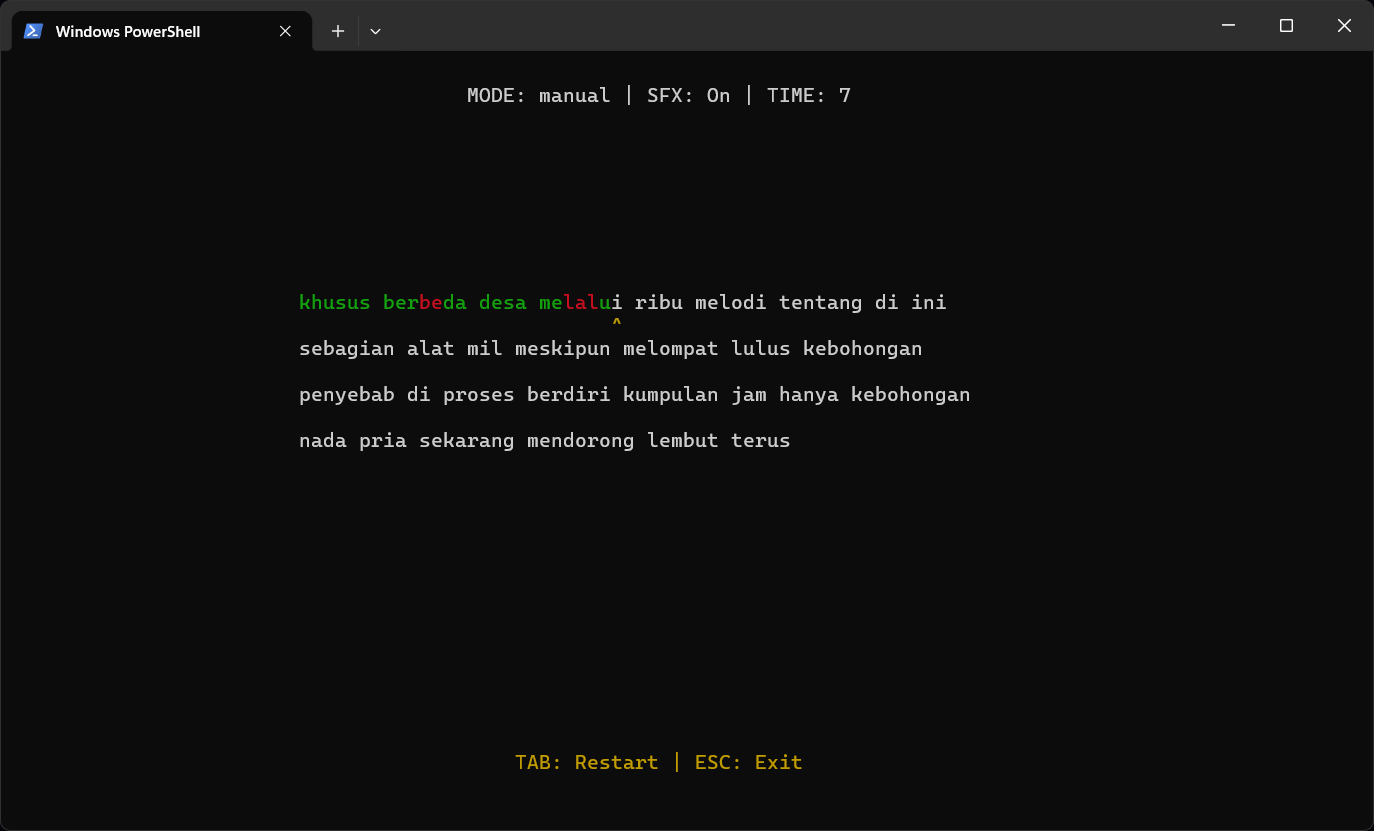
TYPING...

Type the text that appears on the terminal:

  • Green Text = Correct
  • Red Text = Incorrect
  • Backspace = Correct typos

SYNC_STATUS

Data fully synchronized with the GUI Application.

[OK] History.log Sync
[OK] Campaign Progress
[OK] Config Settings

BUILD_SOURCE

How to build from source code.

$$

PREREQUISITES

  • C++ Compiler -> GCC, Clang, or MSVC
  • CMake -> Version 3.10 or higher

CLONE & BUILD

# 1. Clone repository
git clone https://github.com/aleafarrel-id/rapid-texter.git
cd rapid-texter

# 2. Configure & Build (CMake)
cmake -S . -B build
cmake --build build --config Release