Test your finger speed and mental accuracy with a modern, stunning user interface.

C++ 17 Qt 6.8 Windows Linux MIT License
Explore

Key Features

Everything you need to improve your typing speed with an elegant, modern experience.

[1] Modern GUI with Qt/QML 6.8
[2] Multi-Language (ID & EN)
[3] Programmer Mode
[4] Visual Statistics & Charts
[5] Smooth Animations & Themes
[6] Satisfying Sound Effects
[7] Mouse & Keyboard Friendly
[8] Multiplayer Mode
Time Modes
4
Campaign Levels
2
Languages
100%
Free & Open Source

Download

The easiest way to use Rapid Texter is by downloading the provided installer.

Windows

Portable & Installer. Windows 10/11 64-bit.

Download .exe

Linux (RPM)

For Fedora, RHEL, and other RPM-based distros.

Download .rpm

Linux (Flatpak)

Universal package for all Linux distributions.

Download .flatpak

All releases are available on the GitHub Releases page.

How to Use

Getting started with Rapid Texter is simple and intuitive.

1

Main Menu

An elegant start screen allows you to choose your mode:

  • Start Game - Begin a new typing session
  • Multiplayer - Race against friends
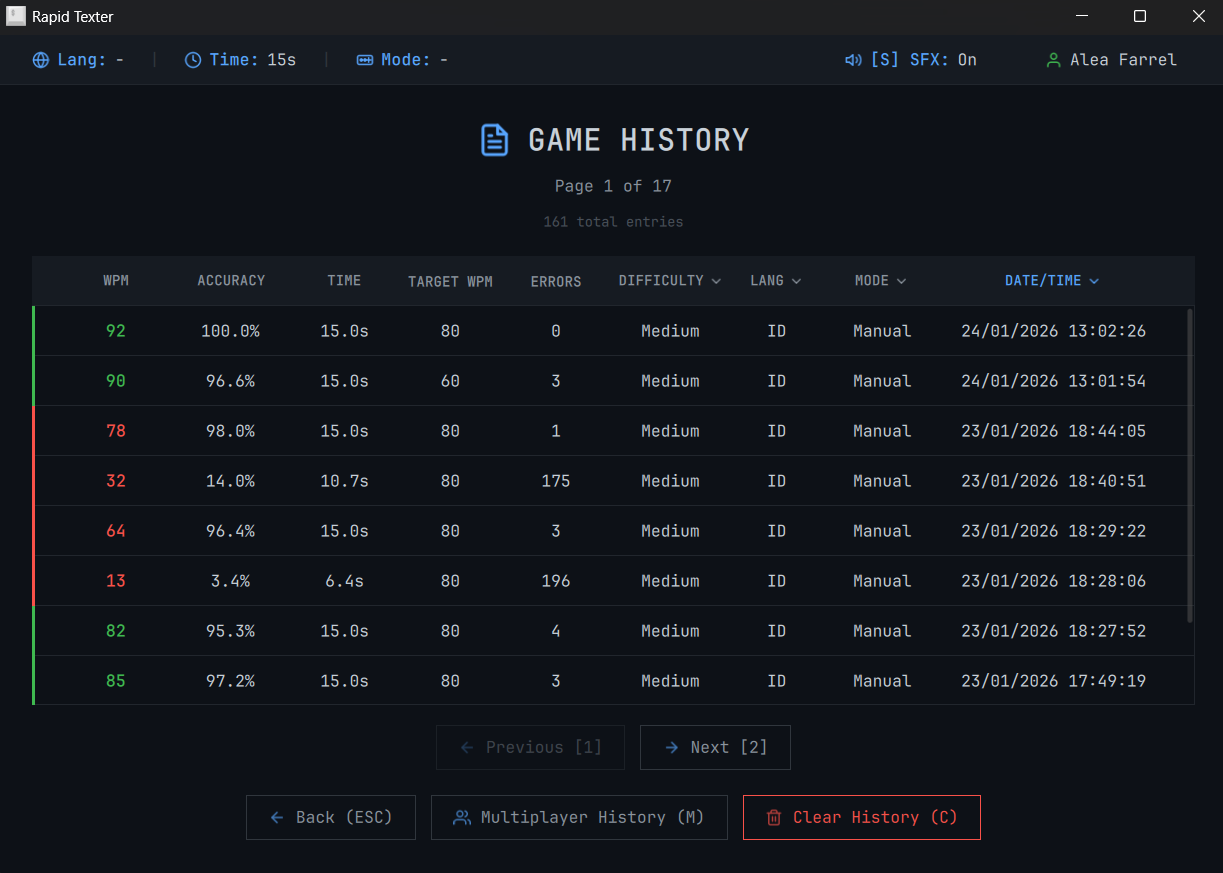
  • History - View your typing speed progress
2

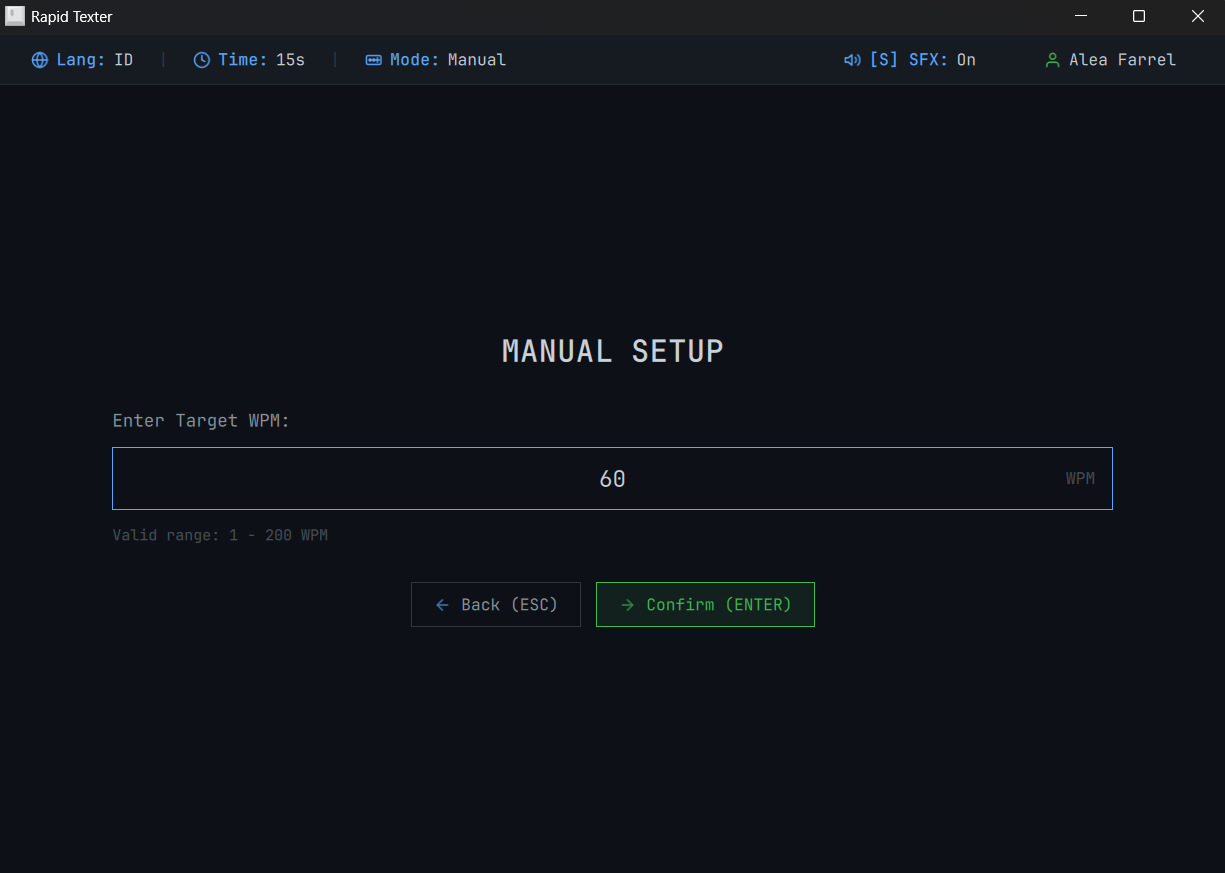
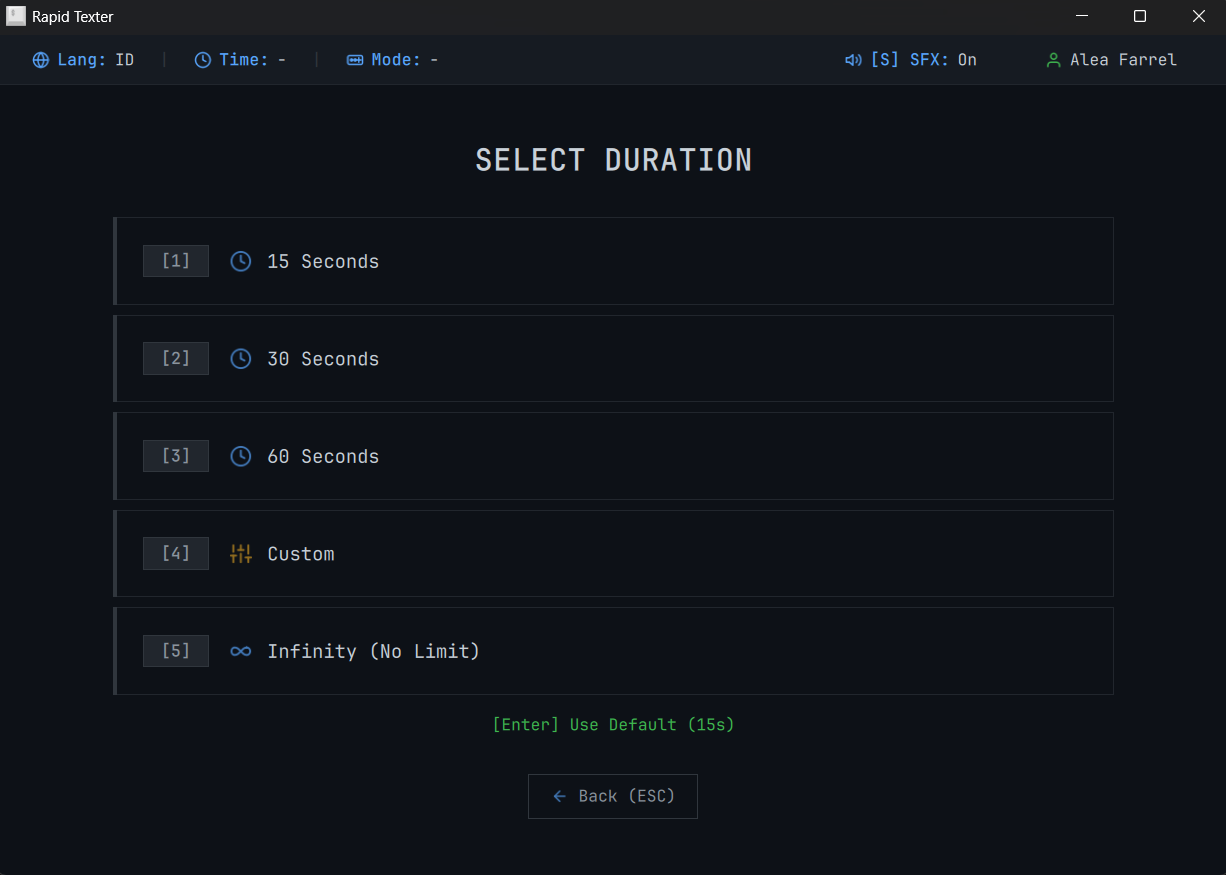
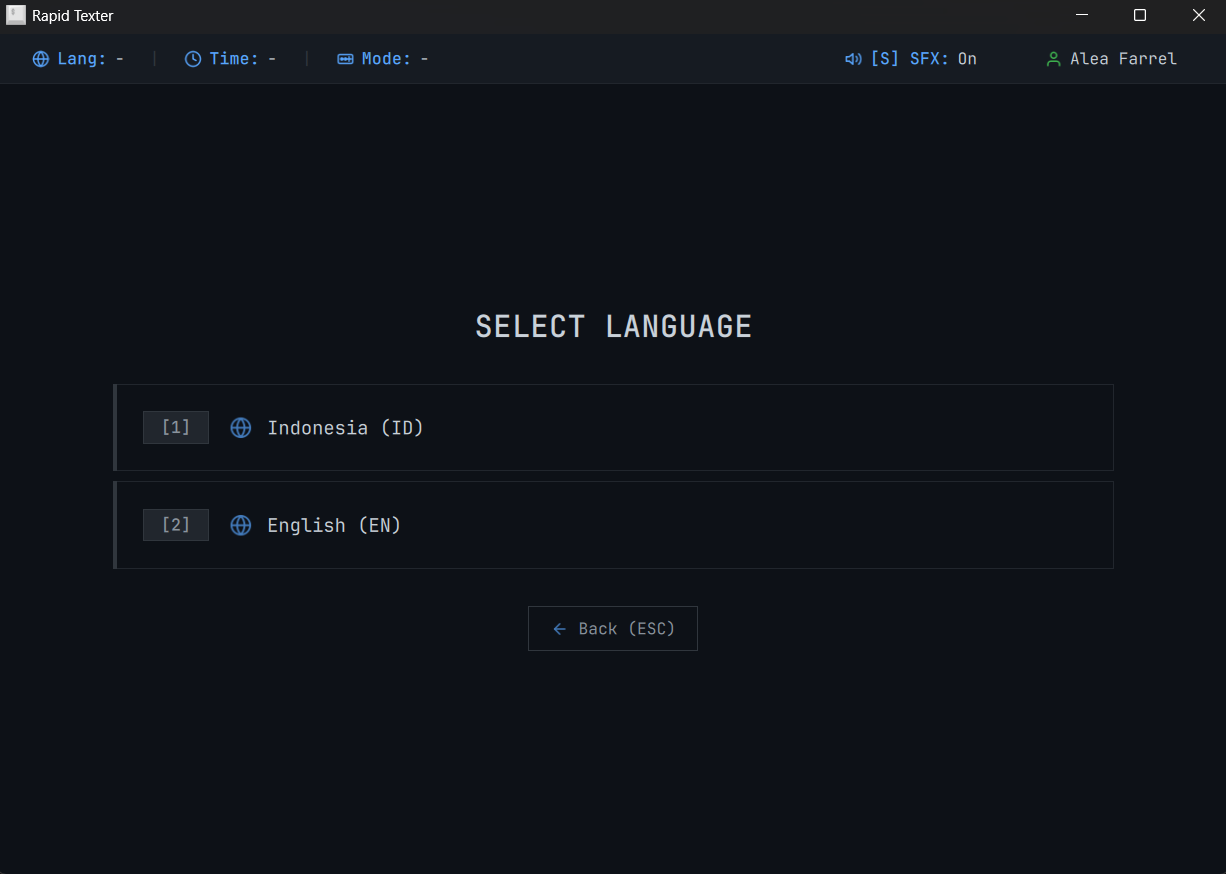
Game Customization

Before starting, configure your session:

  • Language - Indonesia (ID) or English (EN)
  • Time - 15s, 30s, 60s, Custom, or Infinity
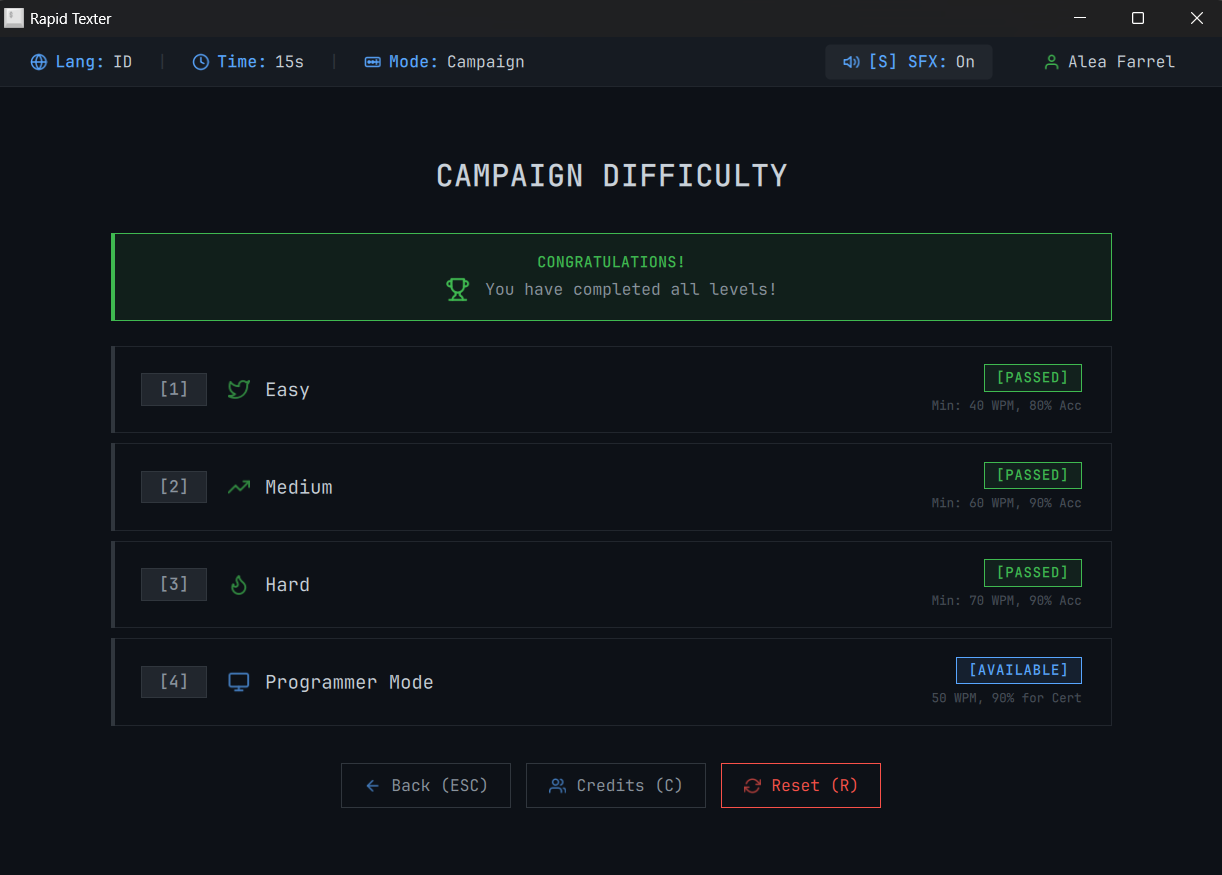
  • Mode - Manual (free target) or Campaign (progressive levels)
3

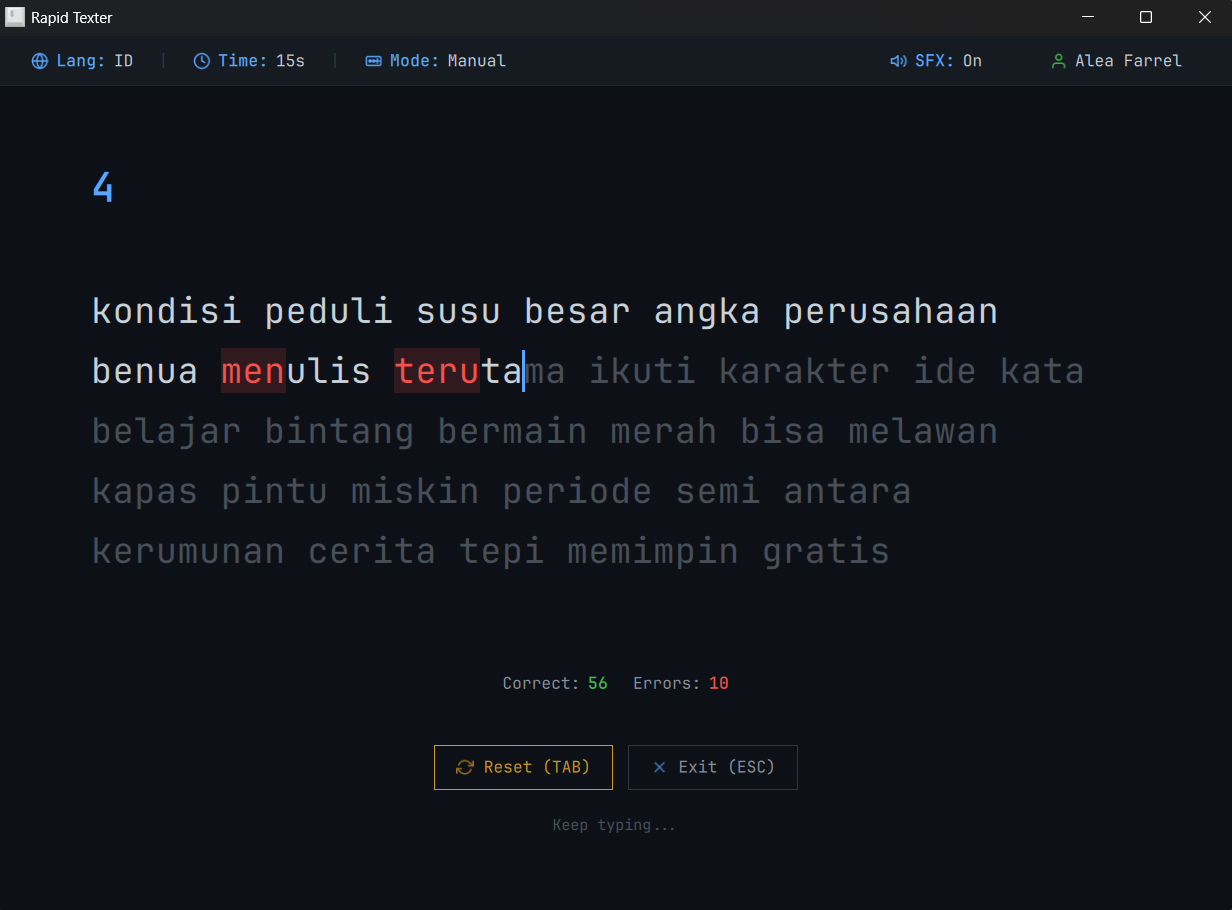
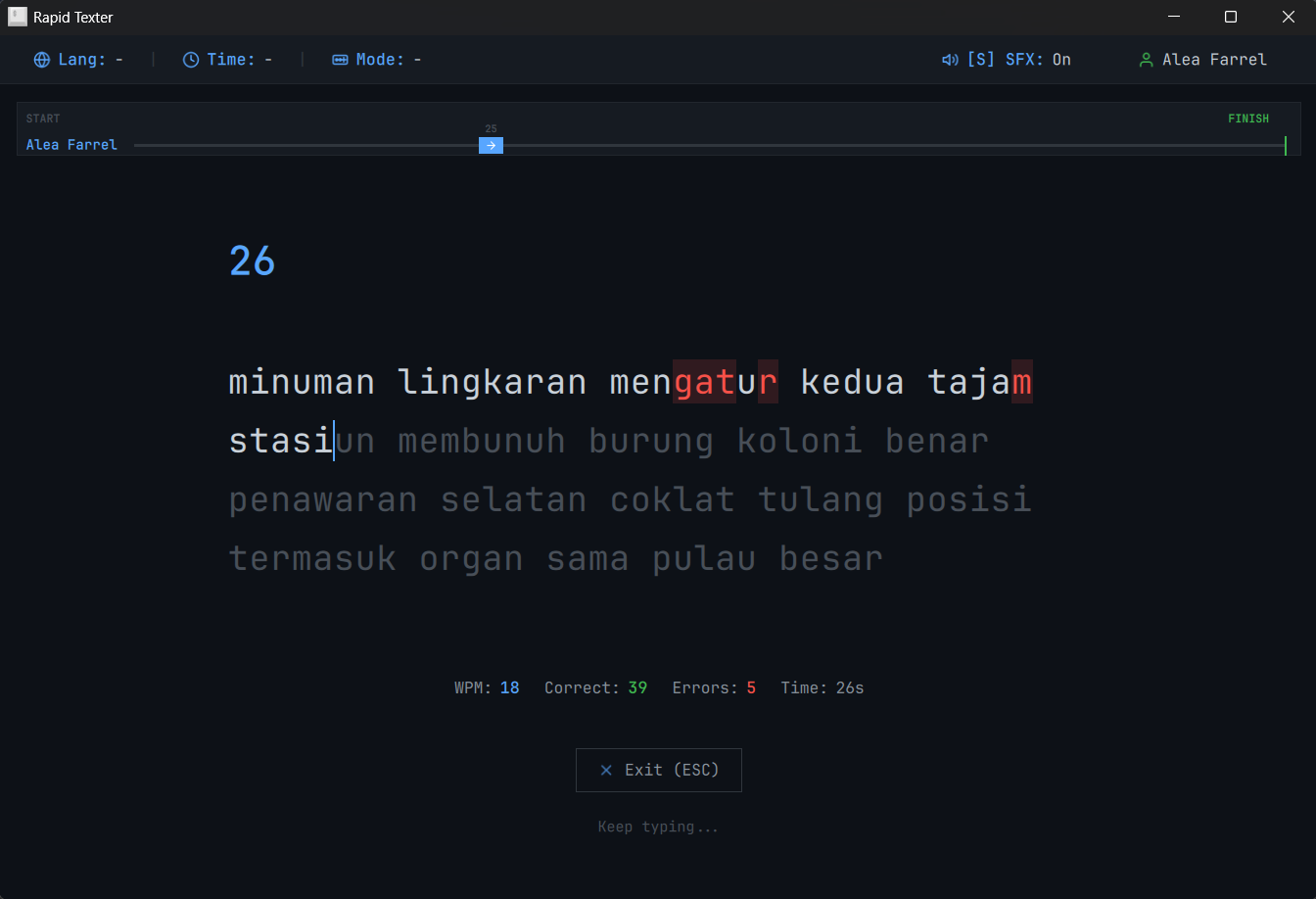
Gameplay

Type the text that appears on the screen:

  • Green - Correct letter
  • Red - Incorrect letter
  • Backspace - Correct previous mistakes
4

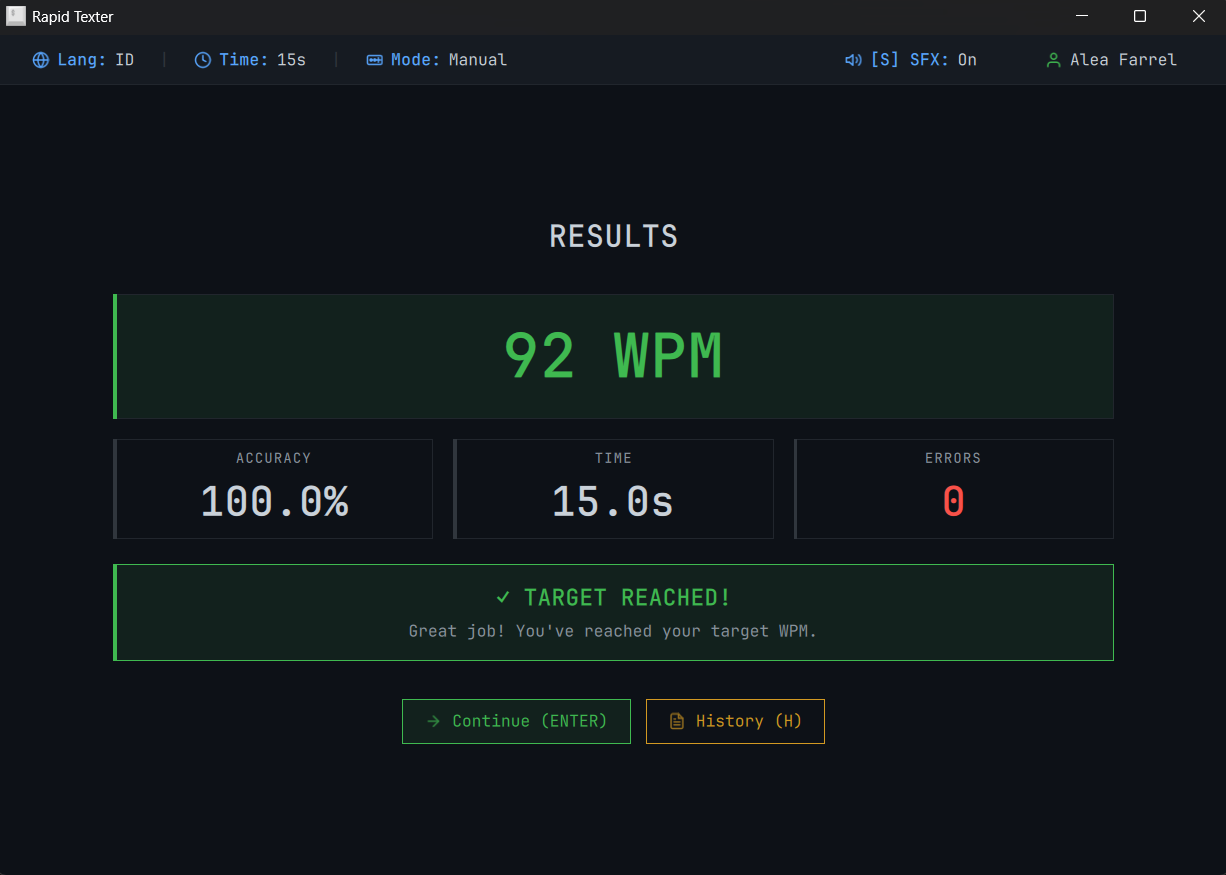
Results & Evaluation

At the end of the session, you will see a result card displaying:

  • WPM - Words Per Minute (main speed score)
  • Accuracy - Typing precision percentage
  • History - Compare with previous sessions in history

TUI & GUI Sync

This GUI version can sync with the original Terminal (TUI) version.

History Synchronized
Progress Preserved
Settings Shared

You can use both versions interchangeably! Your data will always be in sync.

Build from Source

For developers who want to contribute or modify the source code.

Prerequisites

  • Qt 6.8 - Qt Quick, Qt Quick Controls 2, Qt Multimedia
  • C++ Compiler - MSVC 2019+ or GCC/Clang
  • CMake - Version 3.16 or higher

Build Steps

# Clone repository
git clone https://github.com/aleafarrel-id/rapid-texter-gui.git
cd rapid-texter-gui

# Configure & Build
cmake -S . -B build
cmake --build build --config Release